
Interactive room planner
Build a room.
Place the light.
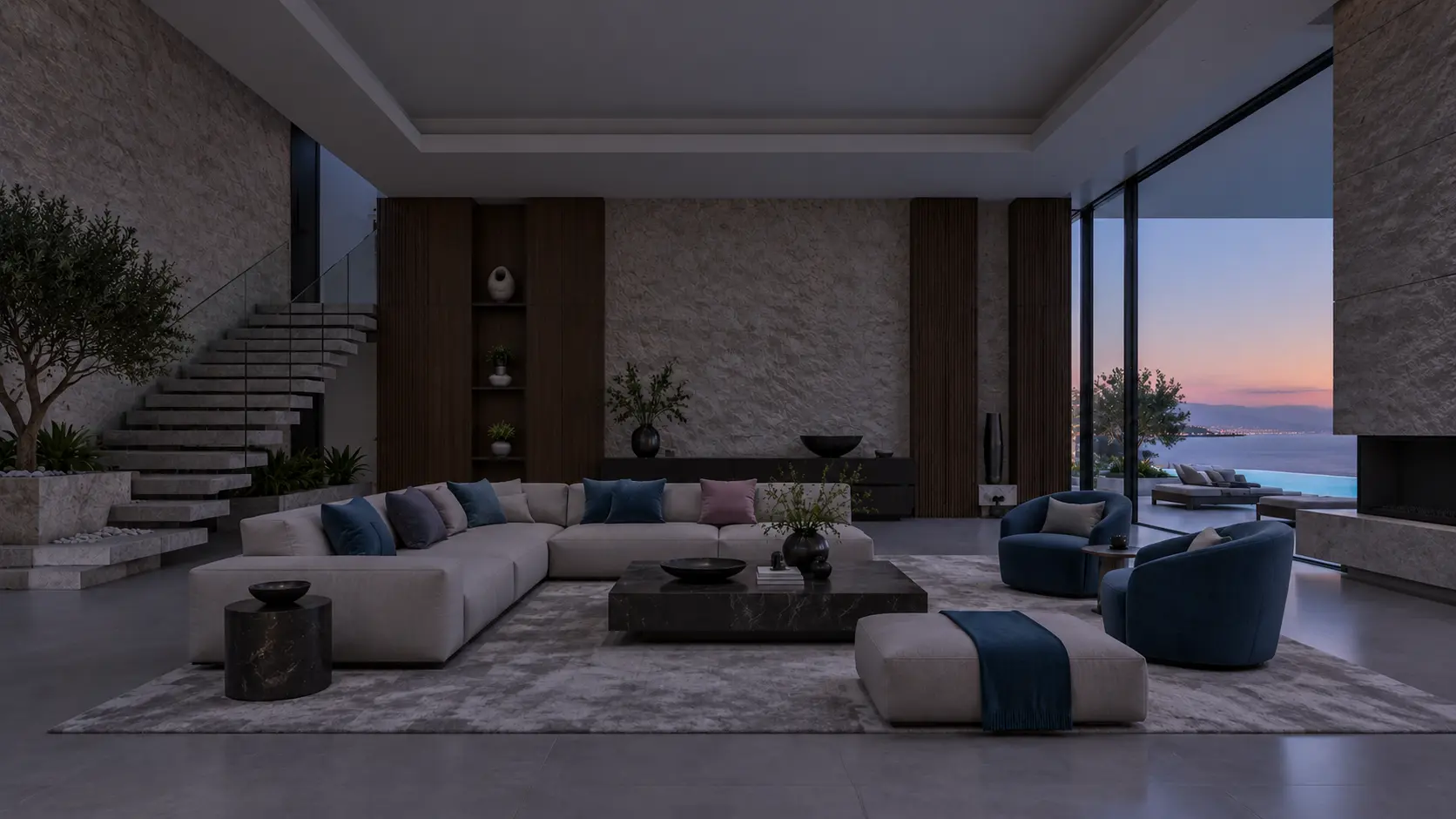
Choose a concept or upload your own room, rendering or drawing. Place, resize and angle twelve LED bars—or add eight glowing sconces—then mix every fixture independently in RGBWW.
ROOM VIEW · ARCHITECTURAL CONCEPTDrag to place · shrink, stretch and angle bars · move sconces
Choose a fixtureDrag a bar or sconce from the kit into the room. On touch screens, tap a fixture, then tap where it should go.
Your room is ready. Add a light bar or sconce to begin.
0 / 12 bars · 0 / 8 sconcesNo fixture selected